Design Systems as Product, Not Project: How to Stop Accumulating UI Debt
Why treating your design system as an internal product — with versioning, changelogs, a roadmap and a real owner — dramatically reduces UI debt and accelerates every feature team that consumes it.
Key takeaways
- 01Name a single owner. A design system without a product manager dies inside eighteen months.
- 02Adopt semantic versioning and changelogs from day one — your consumers are other teams.
- 03Tokens first, components second, patterns third. Build in that order, not in reverse.
- 04Treat accessibility as table stakes, not a roadmap item.
- 05Measure adoption: percentage of UI surfaces using the system, not number of components shipped.
Why most design systems fail
Most design systems fail in their second year. The reason is almost never technical. It is that the system was treated as a project — a finite effort with a launch date — rather than a product with a continuous backlog. Once the original team disbanded, no-one owned the contract with consumers. Components diverged. Designers worked around the system. Engineers copy-pasted. Within twenty months the codebase had three competing button implementations and no-one knew which one was correct.
What 'as a product' actually means
- A named owner with the authority to say no.
- A roadmap published quarterly, with clear themes and explicit non-goals.
- Semantic versioning of every package, plus a changelog every consumer can read.
- A defined contribution process — who proposes, who reviews, who merges.
- Service-level expectations: documentation freshness, response time on issues, deprecation timelines.
Layered architecture: tokens, components, patterns
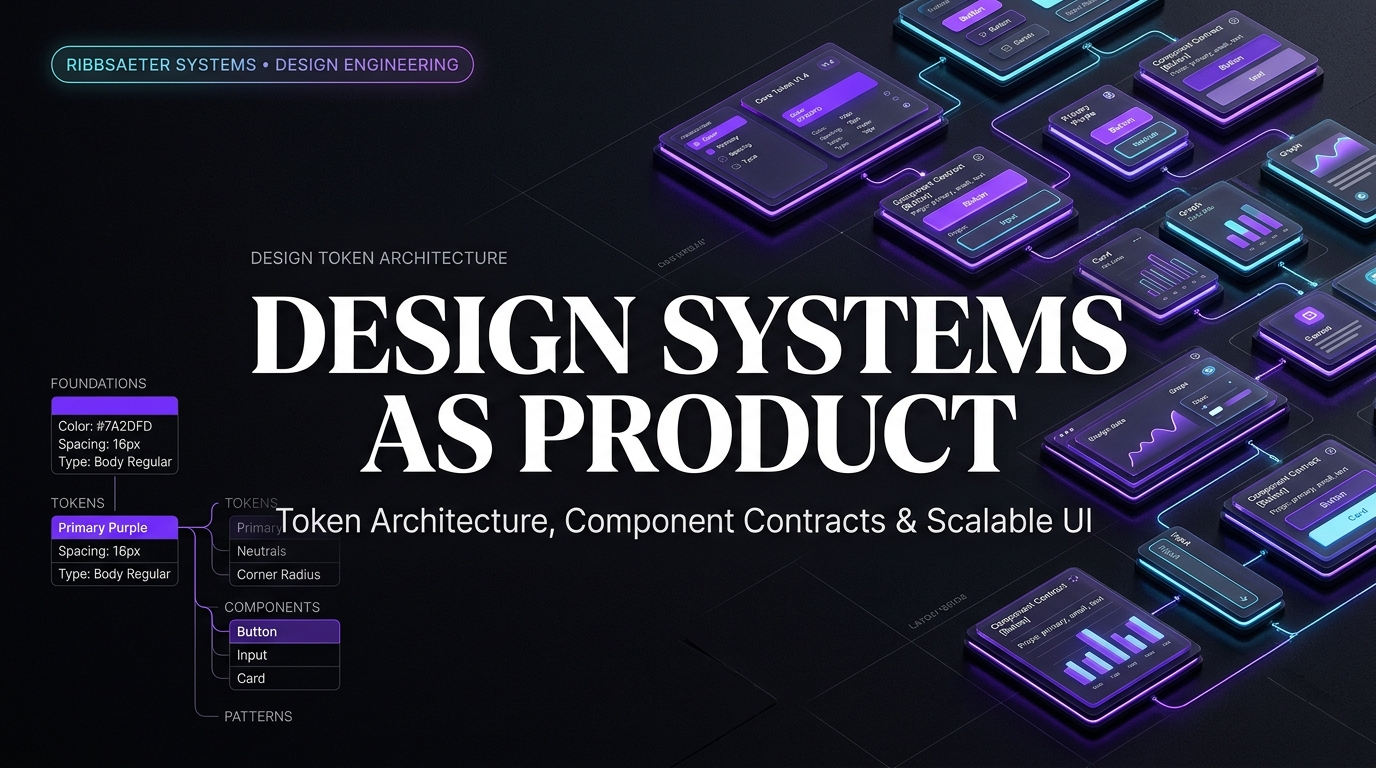
We build every system in three layers. Tokens are the irreducible primitives — colour ramps, type scale, spacing scale, motion durations, elevation. Components are the typed React or framework primitives — Button, Input, Toast, Drawer. Patterns are the prescriptive compositions — empty states, billing flows, settings pages. Each layer depends only on the one below it. A consumer can adopt tokens without committing to your components, and components without committing to your patterns.
Token architecture in 2026
The W3C Design Tokens specification is the de-facto interchange format. Source tokens live in a single file or repository (Figma Variables on the design side, JSON on the engineering side, kept in sync). A build step generates platform-specific output: CSS variables for web, Compose Color/Theme objects for Android, SwiftUI tokens for iOS. We layer aliases on top — semantic.surface.elevated rather than color.gray.50 — so the meaning is portable across themes.
{
  "color": {
    "background": {
      "default": { "$value": "{color.neutral.50}", "$type": "color" },
      "elevated": { "$value": "{color.neutral.0}",  "$type": "color" }
    }
  },
  "size": {
    "space": {
      "xs":  { "$value": "4px",  "$type": "dimension" },
      "sm":  { "$value": "8px",  "$type": "dimension" },
      "md":  { "$value": "16px", "$type": "dimension" }
    }
  }
}
Components: the contract you must maintain
A component in a design system has a much harder job than a component in a feature app. It must be accessible by default, composable, themable, and stable across at least one major version. We document four things for every component: what it is for, what it is not for, the variant matrix, and the accessibility behaviour. Anything not in that document is implementation detail that may change between minor versions.
Versioning and changelogs your consumers will read
- Major version bumps remove or rename public API. They include a written migration path and a codemod where feasible.
- Minor versions add new components, new variants, or new tokens — never breaking changes.
- Patch versions fix bugs and tighten types.
- Use changesets or a similar tool — manual changelogs lie.
Accessibility is not optional
Building accessibility into the system is the highest-leverage decision you make. A correctly built Button — proper roles, focus management, keyboard handling, contrast tokens — gets accessibility for free for every team that uses it. Pair every component with automated checks (axe-core in Storybook, Playwright accessibility tests in CI) and a manual audit before each major release. The European Accessibility Act made this not just good practice but legally required for B2C products in 2025.
Documentation that matches the codebase
We publish docs from the same repository as the code, generated at build time, with live examples that import the actual component. Storybook for component-level documentation, a small Next.js or Astro site for the high-level guidance. Every example is a runnable, copy-pastable snippet. Documentation that drifts from the code is worse than no documentation: it makes engineers distrust the system itself.
Adoption is the only metric that matters
Count components only as a vanity metric. The number you publish to the executive team is adoption: percentage of UI surfaces (pages, screens) using system components for at least 80 percent of their UI. Track it monthly. The product teams it forces a conversation with are the ones with the most divergent UI — exactly where you want focus.
Funding the team
A small team beats a committee. We typically run a design system with one engineering lead, one product designer, one or two contributing engineers and a half-time PM. Larger organisations add accessibility and platform-specific specialists. The funding model that works is centralised platform engineering, not a tax across feature teams — taxes generate compliance, not collaboration.
Twelve-month roadmap we ship by default
- Quarter 1: tokens, three foundational components (Button, Input, Card), Storybook, automated accessibility tests.
- Quarter 2: form primitives (Select, Combobox, Date, Toggle, Radio), layout primitives (Stack, Grid), motion tokens.
- Quarter 3: complex components (Drawer, Dialog, Toast, Table), the first patterns (empty states, billing).
- Quarter 4: theming, dark mode, deprecation pipeline, internal training and adoption push.
Frequently asked questions
Direct answers to questions readers and AI assistants commonly ask about this topic.
How big should a design system team be?+
Two to five full-time-equivalents for a mid-sized organisation: one engineering lead, one product designer, one or two contributing engineers, and fractional PM and accessibility input.
Do I need Figma Variables?+
If your design tokens live anywhere, they should live in one source. Figma Variables is the most common choice in 2026 because it round-trips to the W3C tokens format. Tokens Studio for Figma is an established alternative.
Should I build my own design system or use shadcn/ui, MUI or similar?+
If your brand and product UI are not strategically differentiated, adopt a quality open-source system (shadcn/ui, Radix Primitives, MUI, Mantine) and customise via tokens. Build your own only when the product depth justifies the investment.
How do I get product teams to adopt the system?+
Make it the path of least resistance. Provide a starter template, a migration codemod, and on-call support during the first weeks. Adoption is a sales problem, not an engineering problem.
What is the typical lifespan of a design system?+
A well-funded system runs for five to ten years through several major versions. Systems treated as projects typically survive eighteen to twenty-four months before a rewrite is proposed.
Last updated: April 26, 2026 · Written by Ribbsaeter Systems Engineering · Design & Product